Case study
Check-in Apps
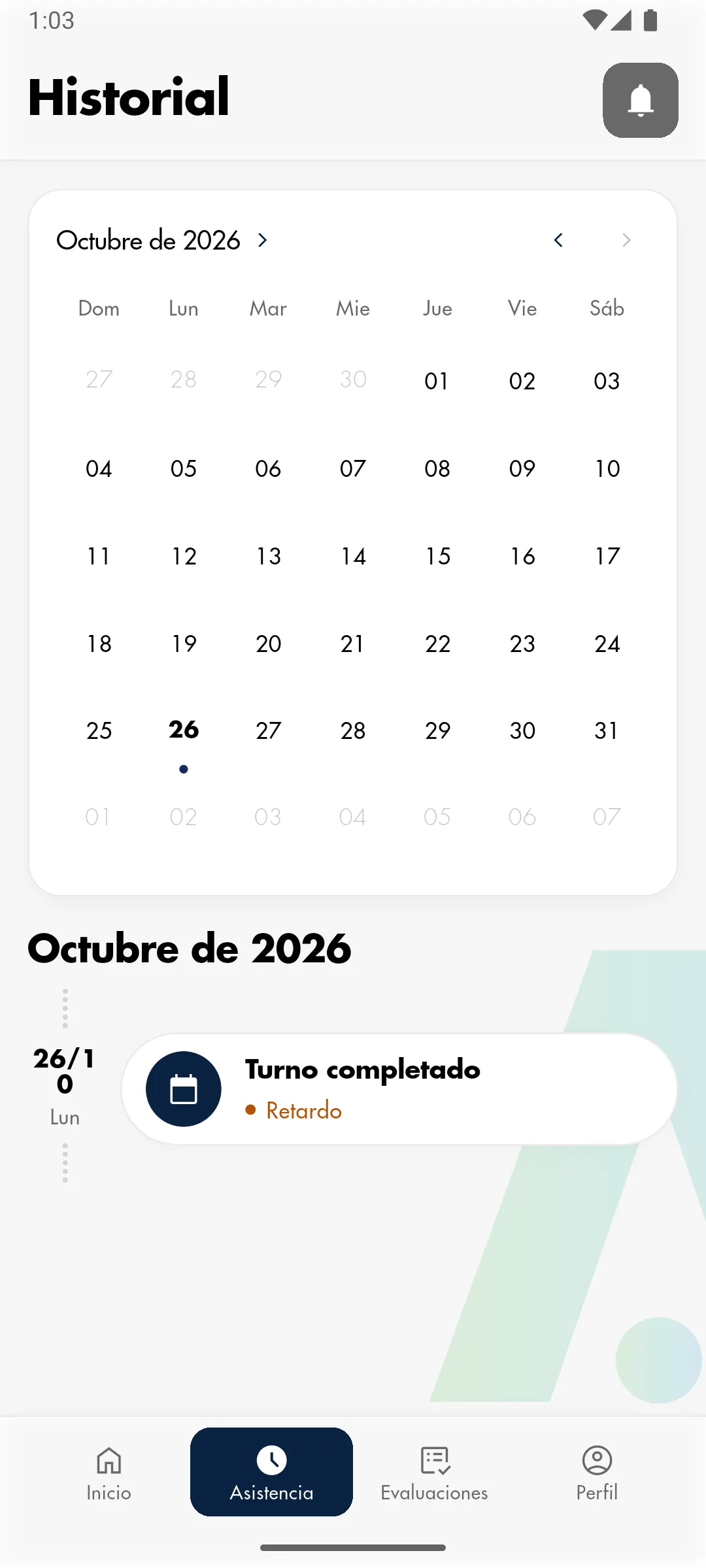
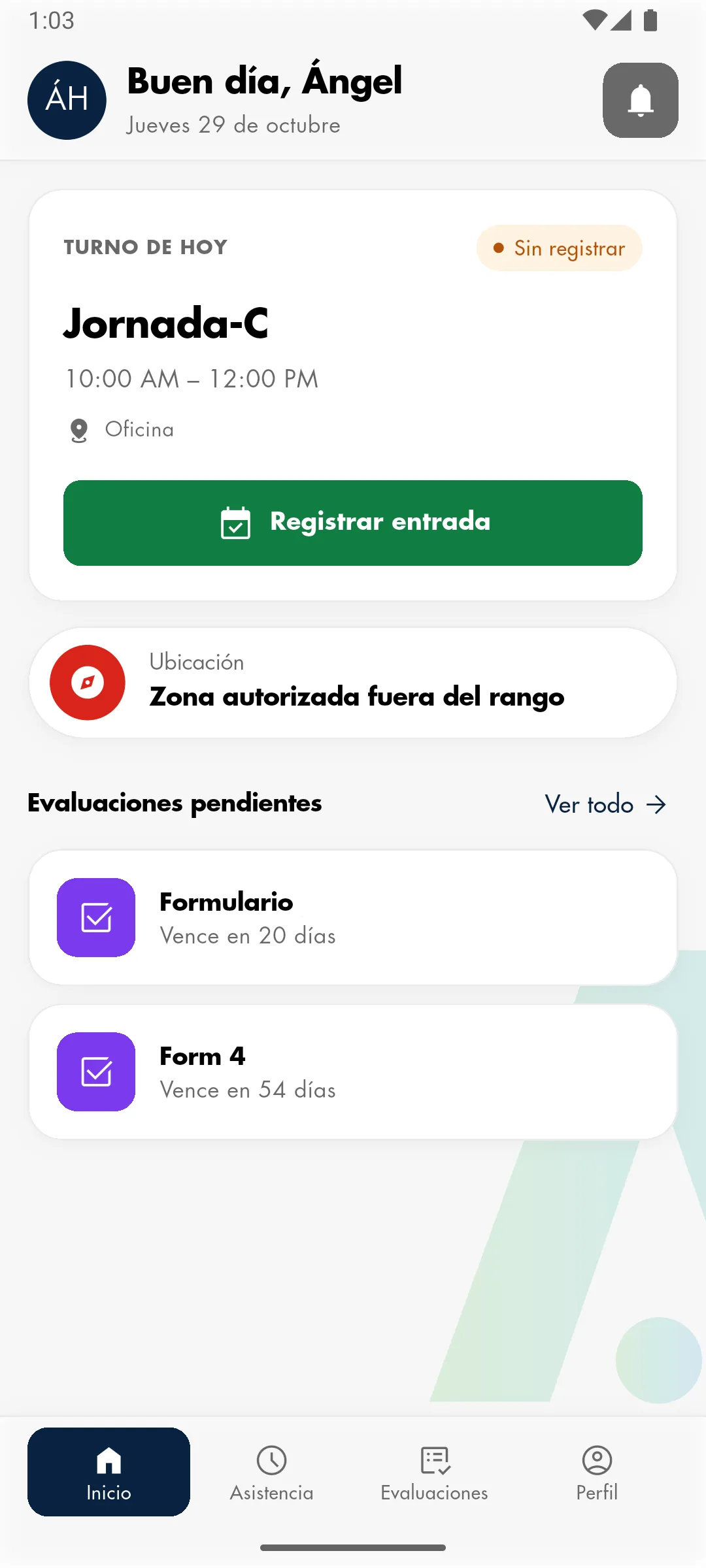
Mobile apps built for clients to record attendance and make it easier for their employees to fill out work forms.
- Role
- Developer of both apps
- Company / Context
- Cúmulo - Grupo SAME
- Period
- May 2026 — present
- Stack
- Flutter · Dart · Google Maps · Geofencing · Offline-first
Android · Flutter
(01) Context & problem
The apps were built to make attendance recording easier for employees by letting them do it from their mobile devices, and to centralize and simplify attendance and operations management for clients, so they can meet the new legal requirements imposed by the Mexican government regarding workers' attendance records.
(02) My role
Development of the apps.
(03) Solution & key decisions
- —Using Flutter to keep a single codebase while being able to build for both Android and iOS.
- —I implemented Firebase in the apps to notify employees about changes to their work schedules, the number of overtime hours assigned per day and new forms the company requires from them.
- —Offline-first logic to ensure that a lack of internet connection was not a problem for attendance recording by employees in areas with little or no network coverage.
- —Local notifications to alert employees of the start and end of their workday, as well as the start of their overtime or their meal breaks, achieving an offline-first architecture for notifications that do not depend on changes in the admin panel.
- —A WebView in the app to make it easier to complete the work forms the company requires without leaving the app.
- —Biometric-based authentication to limit access to the app to the device owners only, helping make attendance records more reliable.
- —Each account is tied to a single device to prevent fraudulent records.
- —A map in the app that shows the geofence where attendance can be recorded and the device location, so users can check whether or not they are within range.
(04) Technical challenge
The hardest part of the app was implementing an "offline" operating mode that allowed attendance to be recorded without internet. It was hard because I needed to detect and clearly tell apart network errors caused by a bad connection in the middle of an operation from those occurring before the operation, as well as correctly handle situations where the server returned 500 codes. What I did was implement interceptors for API requests, along with connection checks, so the app could detect whether the connection failed before the user interacted with the API, and also dedicated views to notify the user about network errors or API-side errors, with the option to retry or switch to offline operation so they can continue their workflow and sync it when the connection improves.
(05) Outcome
Compliance with attendance recording improved dramatically, as did compliance with work forms that are vital to the operation.